
To Do
The To-Do List component is an ideal tool to help you plan your daily tasks, allowing you to record, view, and complete each to-do task at any time.
Create Tasks
Simply enter content in the input box to quickly create tasks. Drag and drop tasks to customize the order.
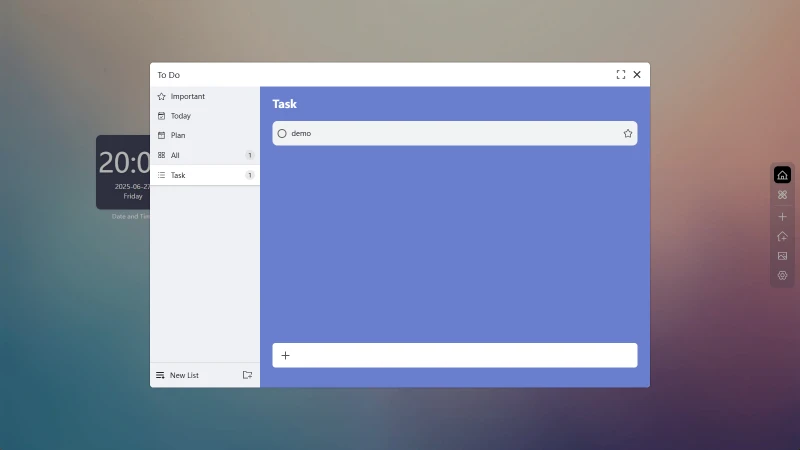
Click on a task to set Reminders, Due Date, and Description in the popup.
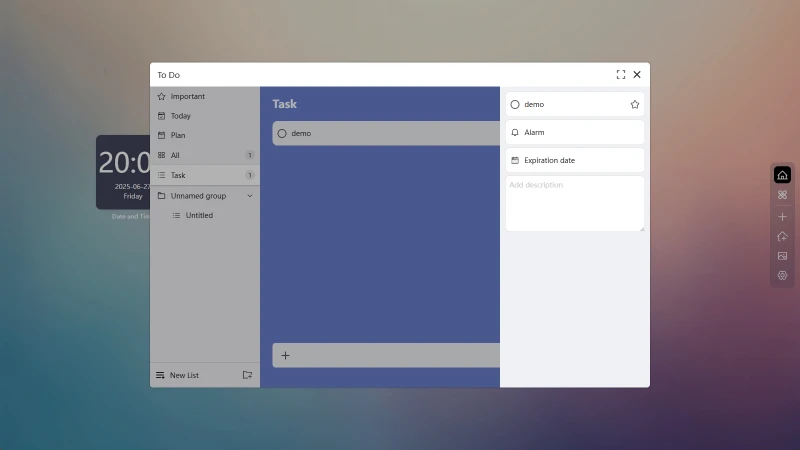
Create Task Lists
Click on New List to create a task list.
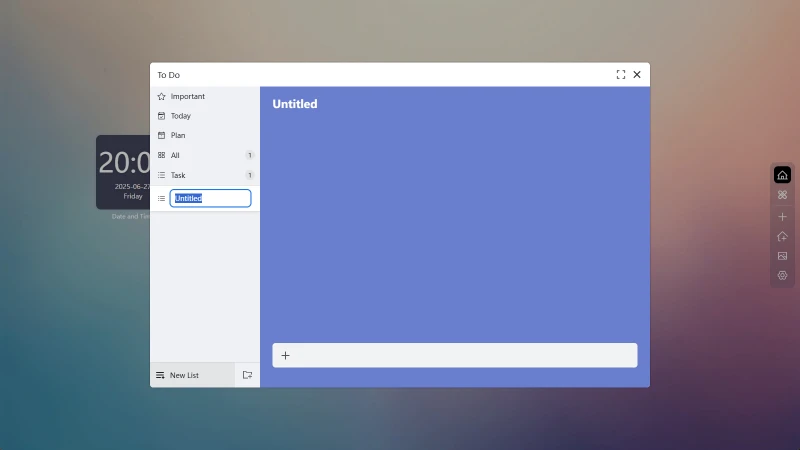
Create Groups
Click on New Group to create a group. Drag and drop groups to customize the order.
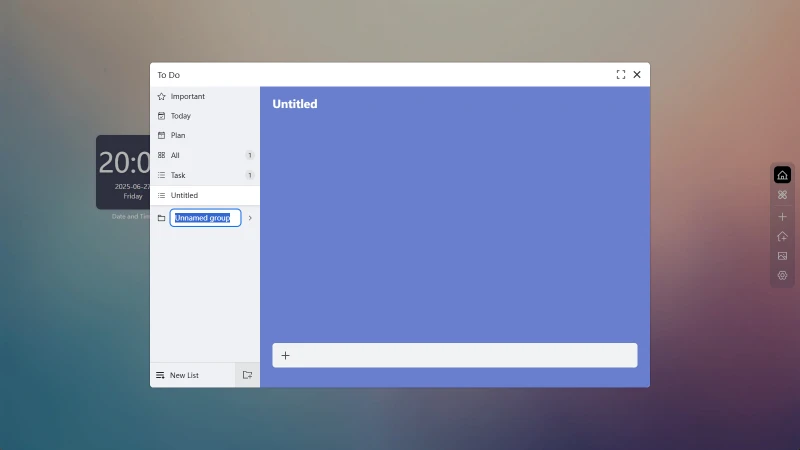
Tasks lists can be dragged into groups for categorization.
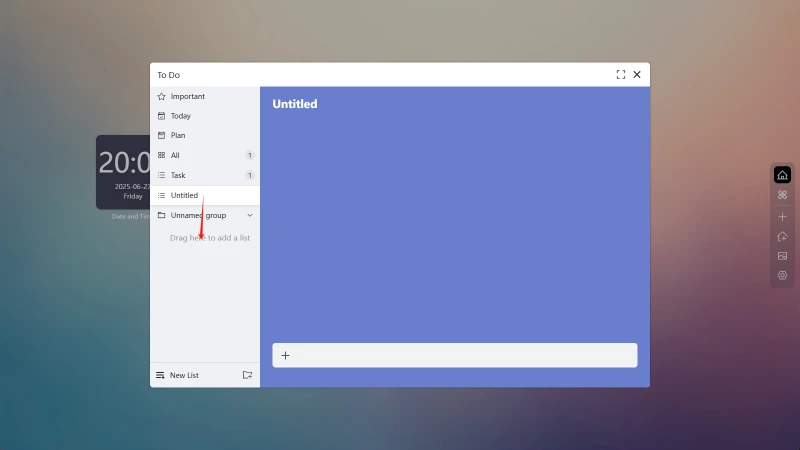
Smart Aggregated Lists
The component itself also includes several aggregated lists that automatically categorize tasks. Simply enable them in the settings panel.
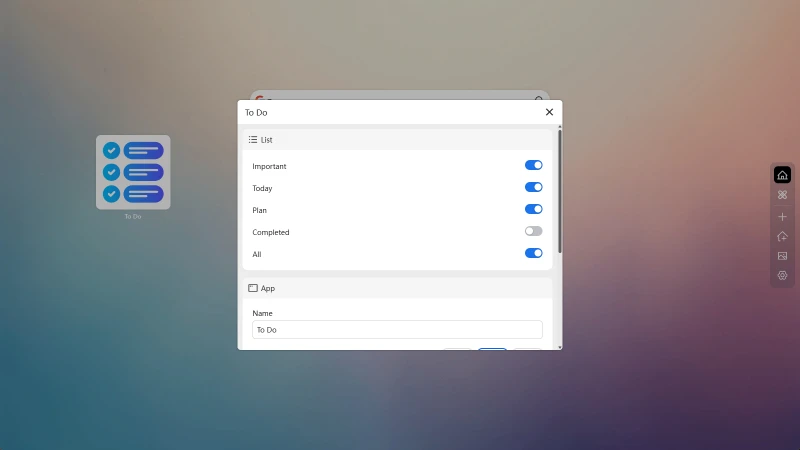
Available Aggregated Lists
-
Important
All tasks marked as important. -
Today
All tasks with due dates set for today. -
Planned
All tasks with due dates set. -
Completed
All tasks marked as completed. -
All
Display all data by lists and tasks.
Previous
Next