
Group
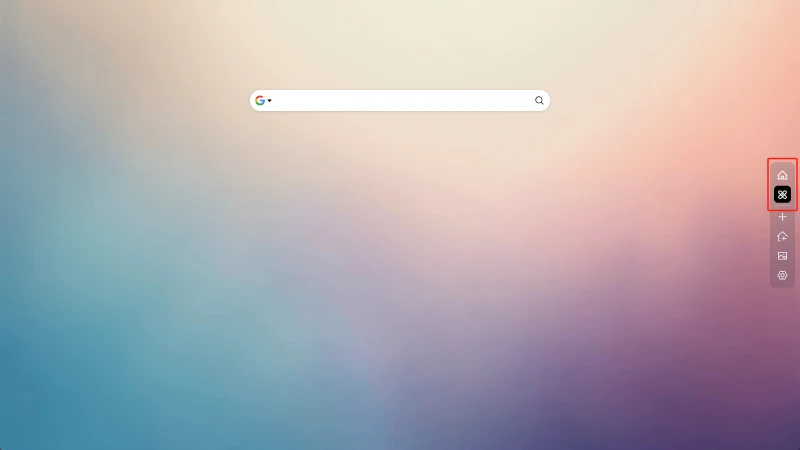
Grouping lets you organize related components such as bookmarks and to-do lists into categories, helping keep things tidy and efficient. Just click the group icon to switch between different groups with ease.
Create group
Click the Create Group button in the sidebar.
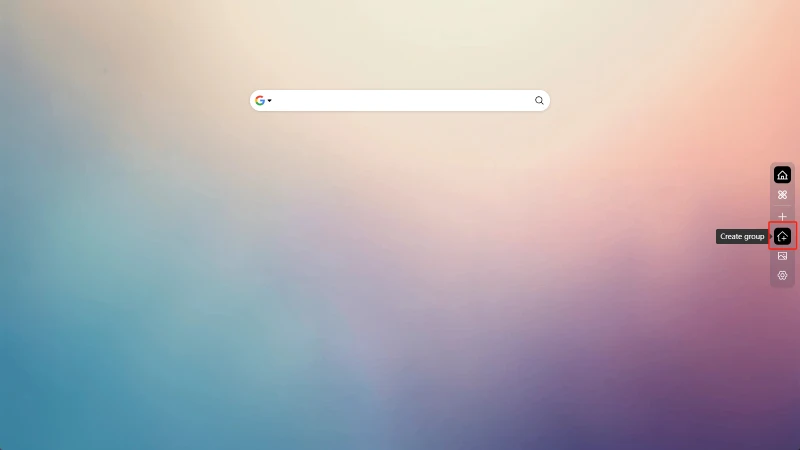
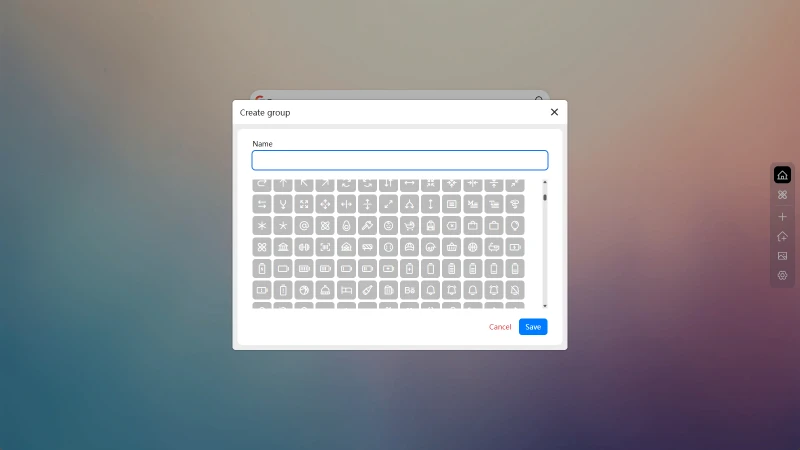
In the pop-up window, enter a group name and select an icon to complete the creation.
Edit Group
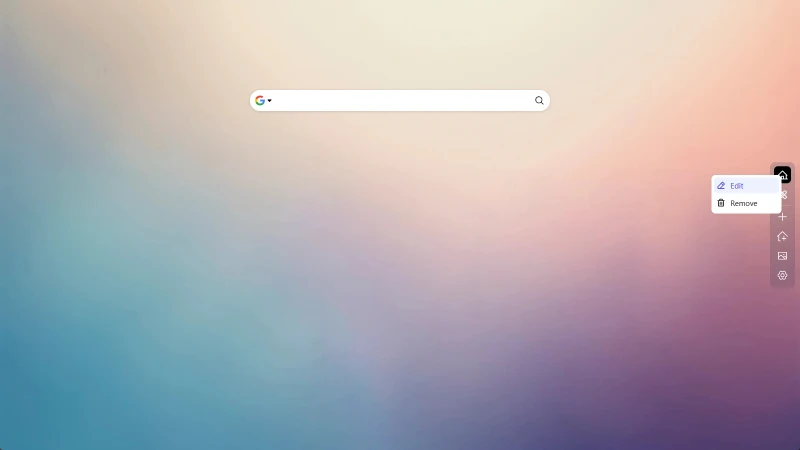
Right-click on the group icon, then click Edit
Delete Group
Right-click on the group icon, then click Delete
Deleting a group will delete all data under the group, please proceed with caution!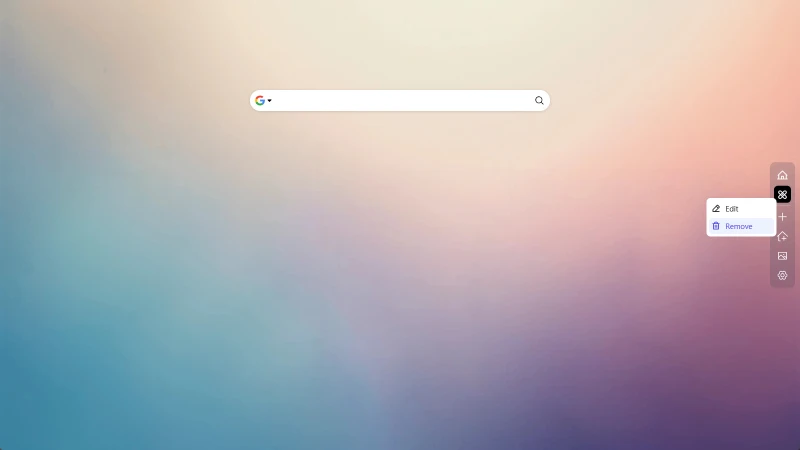
Deleting a group will delete all data under the group, please proceed with caution!
Switch Group
Click on the group icon to switch group desktop
Previous
Next