
Chrome Extension
With just a few steps, you can install and use OpenNewTab in the Chrome browser, enhancing your efficient new tab page experience.
OpenNewTab Chrome Installation Guide
-
Open the Extensions page
On the Extensions page, click on Add to Chrome.
-
Install the Extension
Click on Add Extension in the popup window.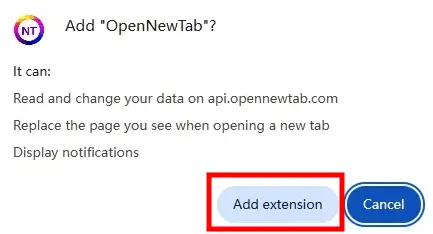
-
Enable the Extension
After installation, the first time you open a new tab, you will see two options: Change it back and Keep it. Click on Keep it to enable the extension.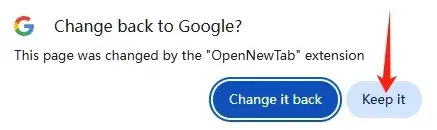
Previous
Next